How a lesson
works.
Every T3lem lesson is a small mission with a clear finish line. Here is what you see, what you do, and how the app knows you got it.
Anatomy of
a lesson.
Six parts on one screen. Tap a part to see what it does.

Try the three
moves here.
Real CSS and real HTML, running on this page. This is how lessons feel in the app.
Change the input, not the output.
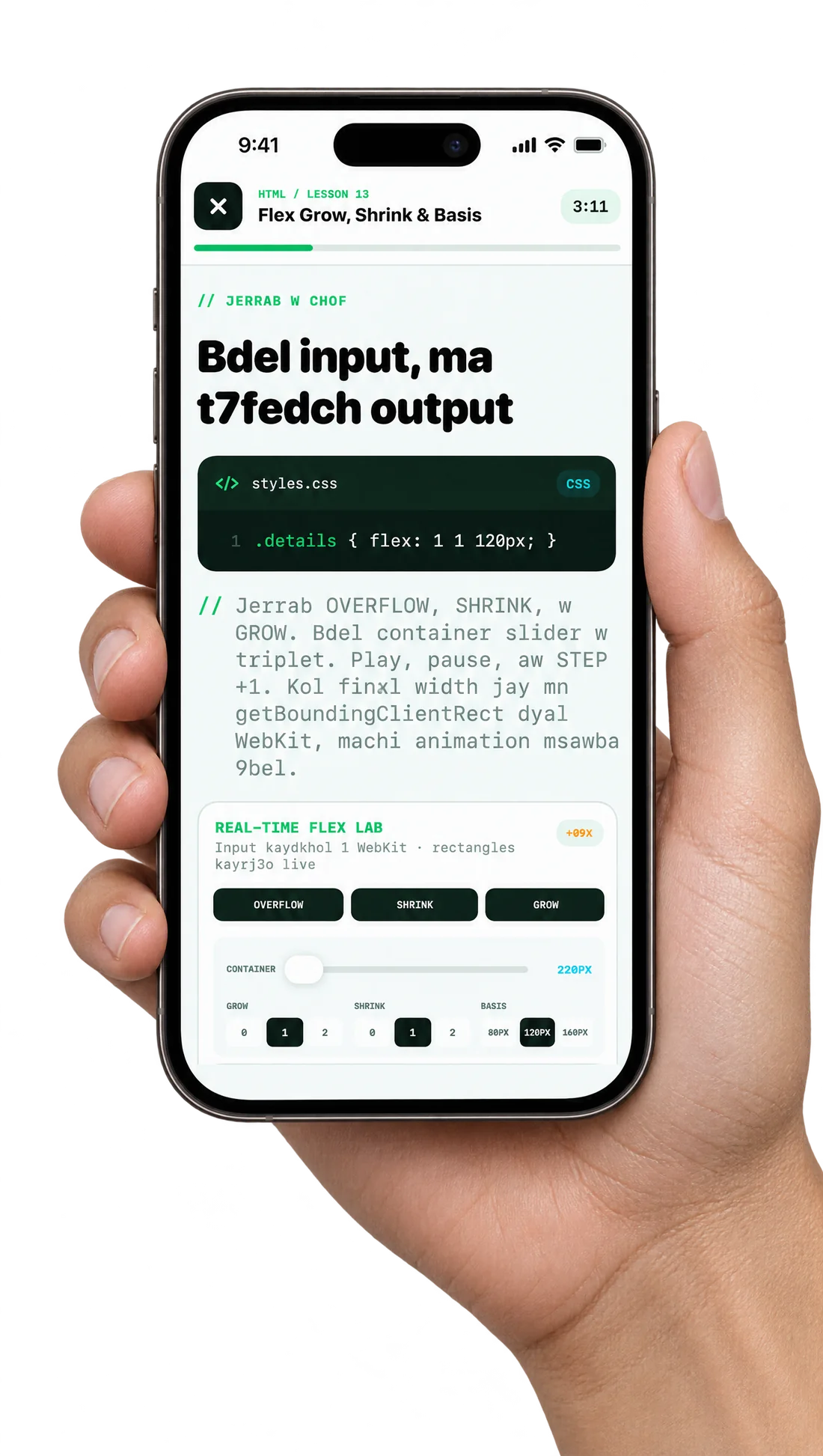
From CSS lesson 13, Flex grow, shrink and basis. Switch the rule and drag the container to see every width update live.
.details { flex: 1 1 120px; }See it render as you type.
Type a heading. It runs in a real page, just like the browser inside the app.
Your heading
The app checks. You earn it.
Checks tick the moment your code meets them. All three, and the PASS appears.
- Browser found <h1>passed
- <h1> is inside mainpassed
- Heading has your textnot yet
Type a heading in step 02 to finish the checks.
The game,
piece by piece.
Only mechanics that exist in the app today. No fake points, no leaderboards.
Missions. Every lesson has one clear job to finish, written at the top of the screen.
Progress like 7:8. You always see how many steps are done and how many are left.
PASS. Earned only when the checks pass, never for just opening a lesson.
Chapters. Paths are split into short chapters of lessons around 5 to 7 minutes.
REVIEW tags. Lessons worth repeating are marked so you can come back to them.
A real browser. Your HTML, CSS and JavaScript run on a real page inside the app.
Practice simulations. A clear goal and a before and after, like fixing an event page.
Labs. Hands-on tools, like training a model on data in Machine Learning.
No account to try. A mini-lesson runs in your browser on this site in about 3 minutes.
Ready for your first mission?
T3lem is in beta on iPhone. Join the waitlist and we'll tell you the moment it lands on the App Store.